MoonBlaster in Your Browser
MBM Web Player brings the full MoonBlaster 1.4 playback experience to any modern browser. It uses the same high-fidelity YM2413 (MSX-MUSIC) and Y8950 (MSX-AUDIO) FM synthesis emulation as the desktop MBM Player, but runs entirely client-side using WebAudio — no installation required.
Just open it, pick a song from the built-in library or drop your own files in, and listen. Works on Windows, macOS, Linux — anything with a modern browser.
Features
Runs in Any Browser
No downloads or plugins needed. Works in Chrome, Firefox, Safari, Edge — on desktop and mobile.
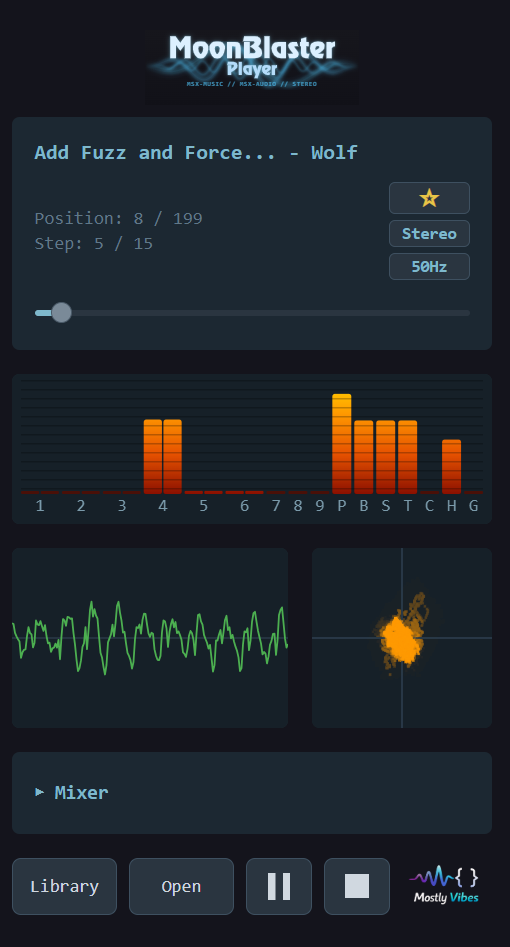
Fully Responsive
Adaptive layout that works on phones, tablets, and desktops. Play MoonBlaster music anywhere.
High-Fidelity Emulation
Accurate YM2413 and Y8950 FM chip emulation with ADPCM sample playback.
Built-in Song Library
Browse and play from a curated collection of MoonBlaster compositions.
Drag & Drop
Drop .MBM, .DSK, .ZIP, or .LZH files directly into the player.
Stereo Panning
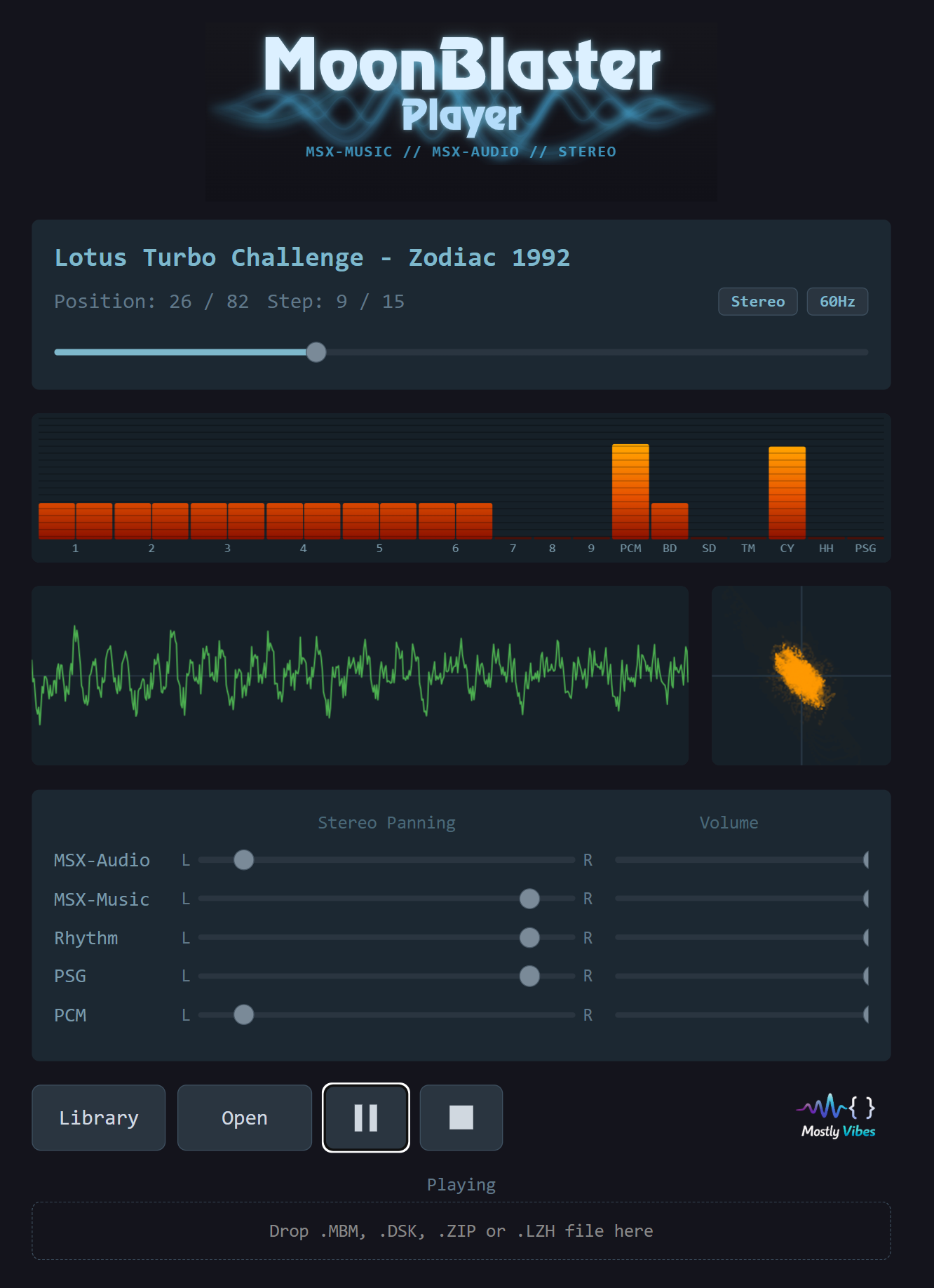
Independent stereo panning and volume controls for each chip group.
Real-Time Visualizations
Waveform display, frequency spectrum, channel level meters, and Lissajous scope.
Playback Controls
Per-channel level meters, stereo/mono toggle, 50/60 Hz timing, and position seek bar.
Supported Formats
Load MoonBlaster files directly, or drop in disk images and archives containing them. The player automatically extracts .MBM files from containers.